1
Start a new report
Navigate to Logs, select +Add, then select Site Safety. Enter the incident date, time, and jobsite location.
2
Add workers to the report
Click Edit, select Add Worker to Report, then search for and select the relevant workers along with their roles in the incident.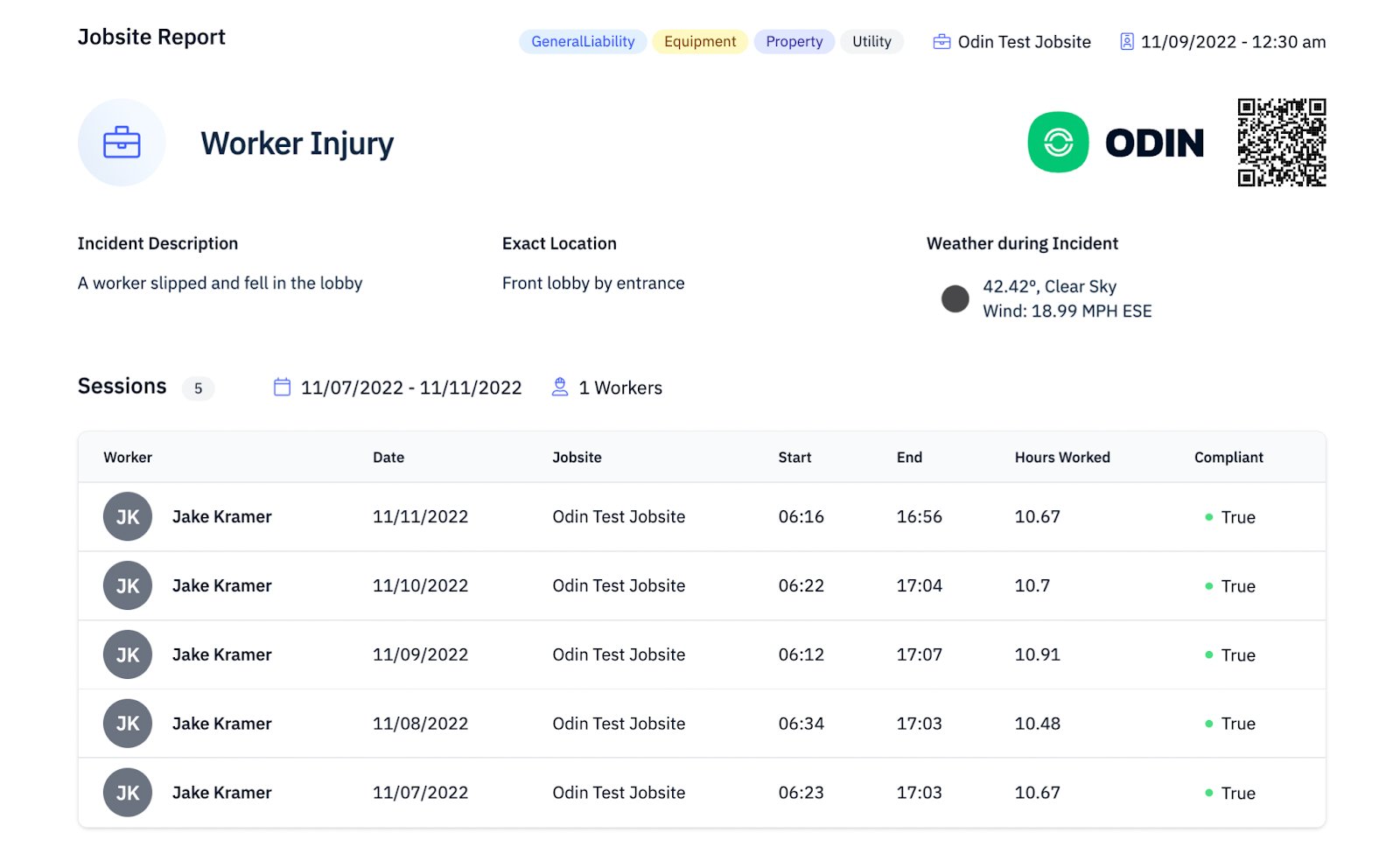
3
Generate the report
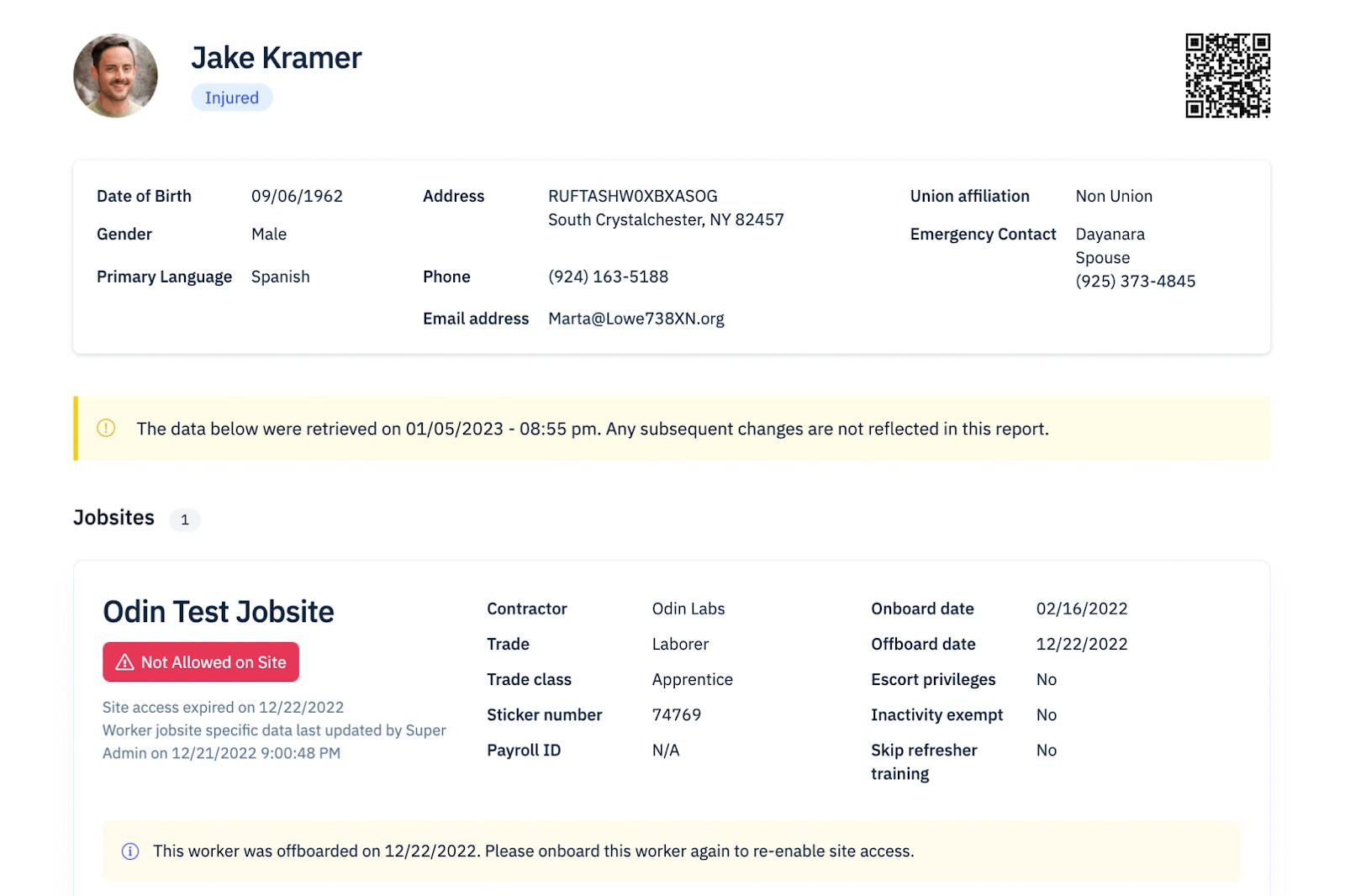
Select Generate Report to compile the incident summary. The report includes incident details, worker profiles, jobsite information, local weather data, worker access history, and jobsite manpower statistics.