

1
Start a new analysis
Navigate to Logs, select +Add, then select Pre-Task Safety Analysis. Choose the required jobsite details and click Continue.
2
Complete the analysis
Fill in the task description, hazards, and control measures.
3
Certify worker attendance
In the Workers section, select the workers involved and toggle ON to certify their attendance. Add any relevant attachments.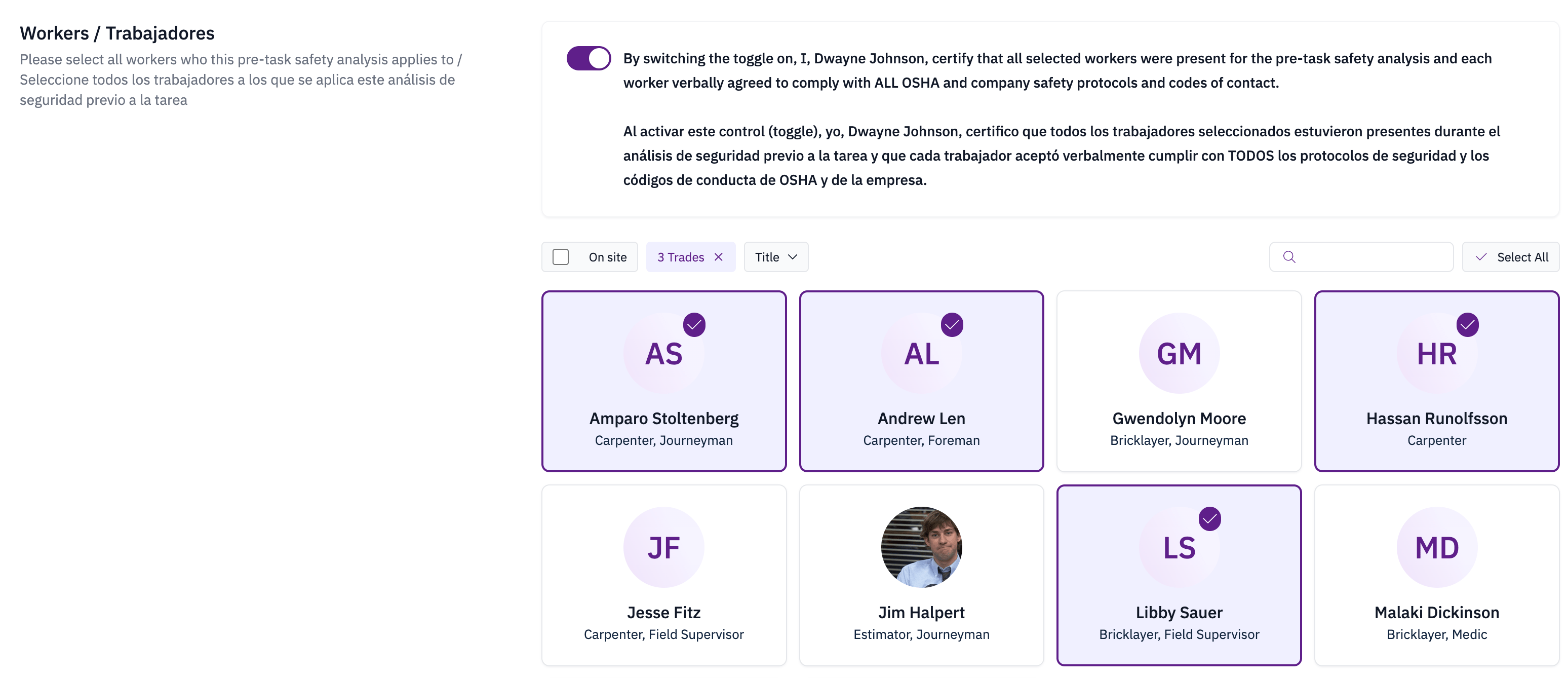
4
Save
Select Save to submit the analysis.