A safety observation is a proactive record of something seen in the field, such as an unsafe action, a potential hazard, or a positive safety practice. Unlike a safety incident report, which documents an injury or event that has already occurred, observations help teams identify and correct risks before they lead to an incident.
1

Start a new observation

Navigate to Logs, select +Add, then select Safety Observation. Choose the Date, Jobsite, and Observation Type, and identify the reporter.
2

Describe the observation

Add details in the Observation field describing what was observed and any remediation steps taken.
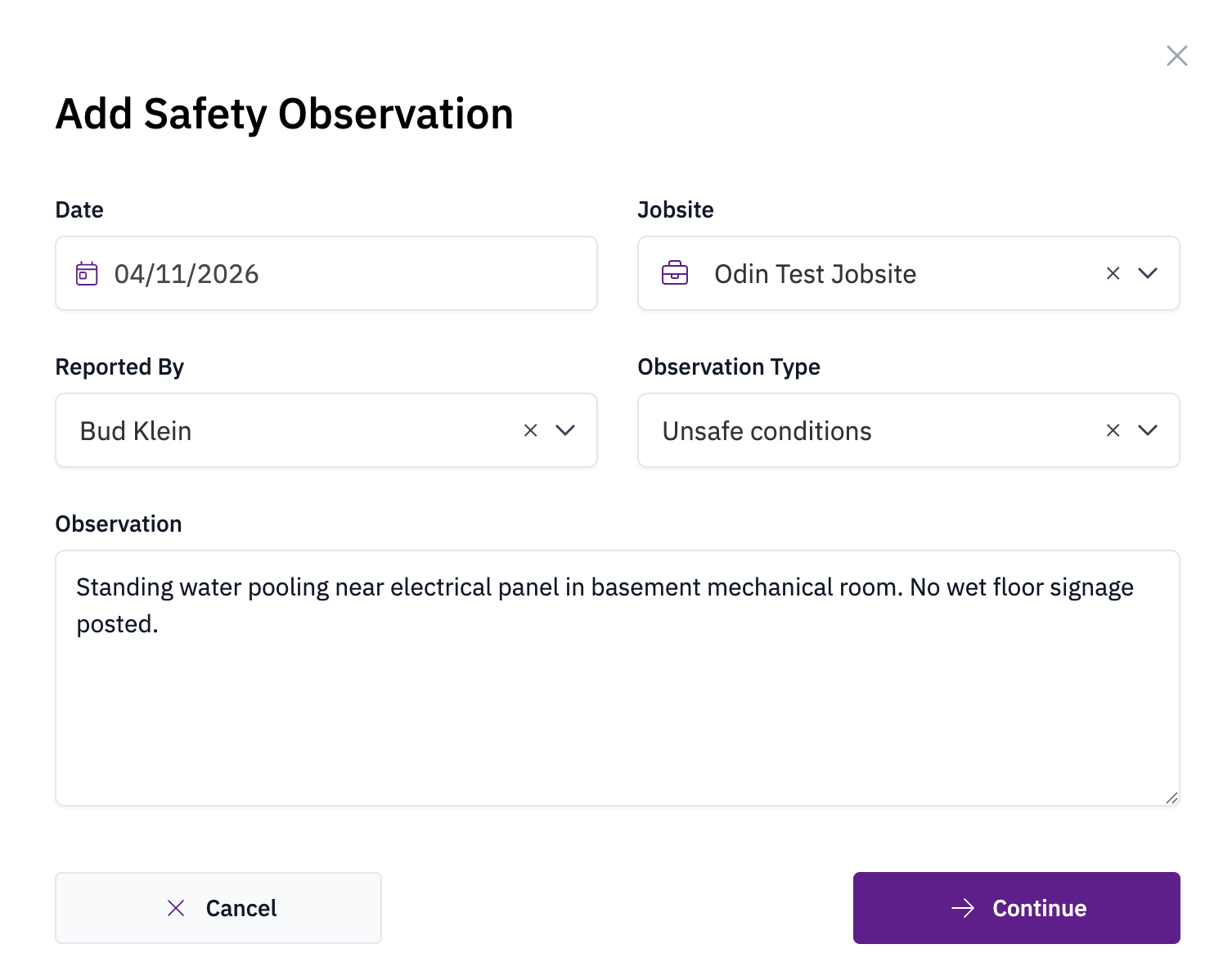
Safety observation form
3

Submit

Click Continue to save the safety observation.