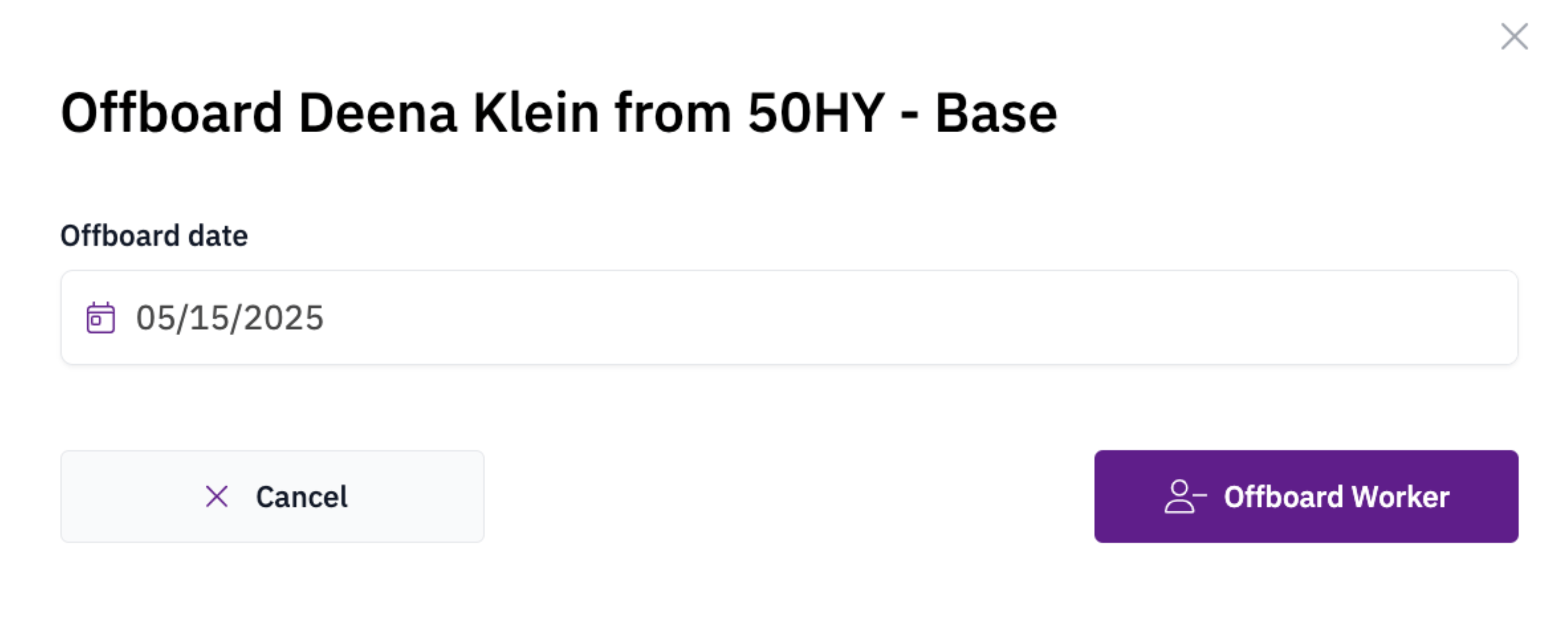
When a worker’s assignment on a jobsite is finished, offboarding removes their access and marks them as inactive on the project. From the worker’s Profile > Jobsites tab, click the ”…” menu next to the jobsite and select Revoke Access, then choose Offboard. Enter the worker’s last day of work to complete the offboarding.
Offboarding a worker with last day of work

Automatic offboarding

Odin can automatically offboard workers after a period of inactivity. The inactivity threshold is configured per jobsite. Workers with sporadic schedules, such as project executives, can be exempted from this rule. To exempt a worker, open the ”…” menu on their profile, select Edit worker data, and mark the worker as exempt from the 30 Days of Inactivity rule.
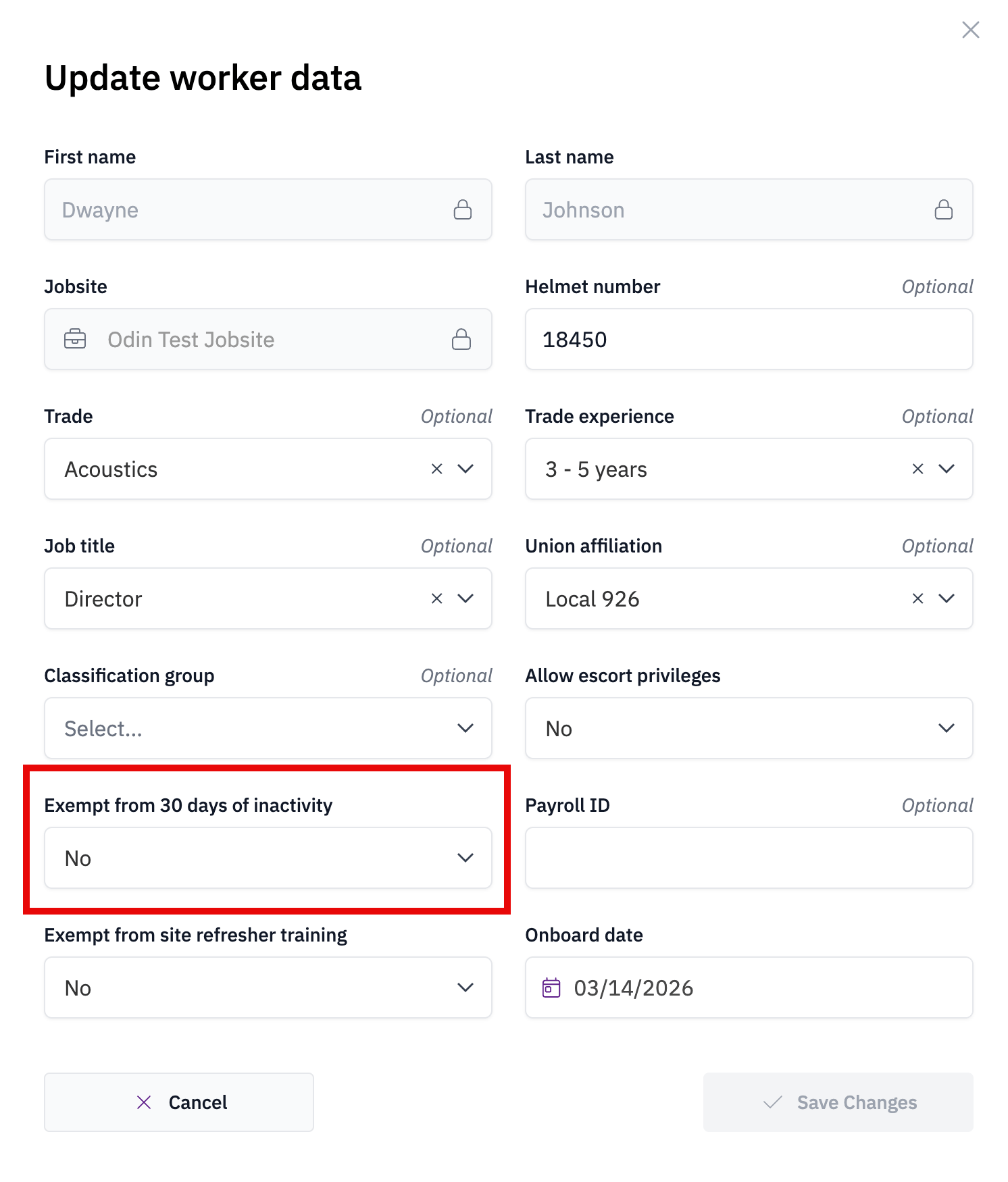
Marking a worker as exempt from automatic offboarding