Assigning a contractor to a jobsite requires the Jobsite Admin role.
Find or create the contractor
Navigate to Contractors and search by name to find the contractor. If the contractor does not exist, select Add Contractor, complete the required fields, and click Submit.Assign the contractor to a jobsite
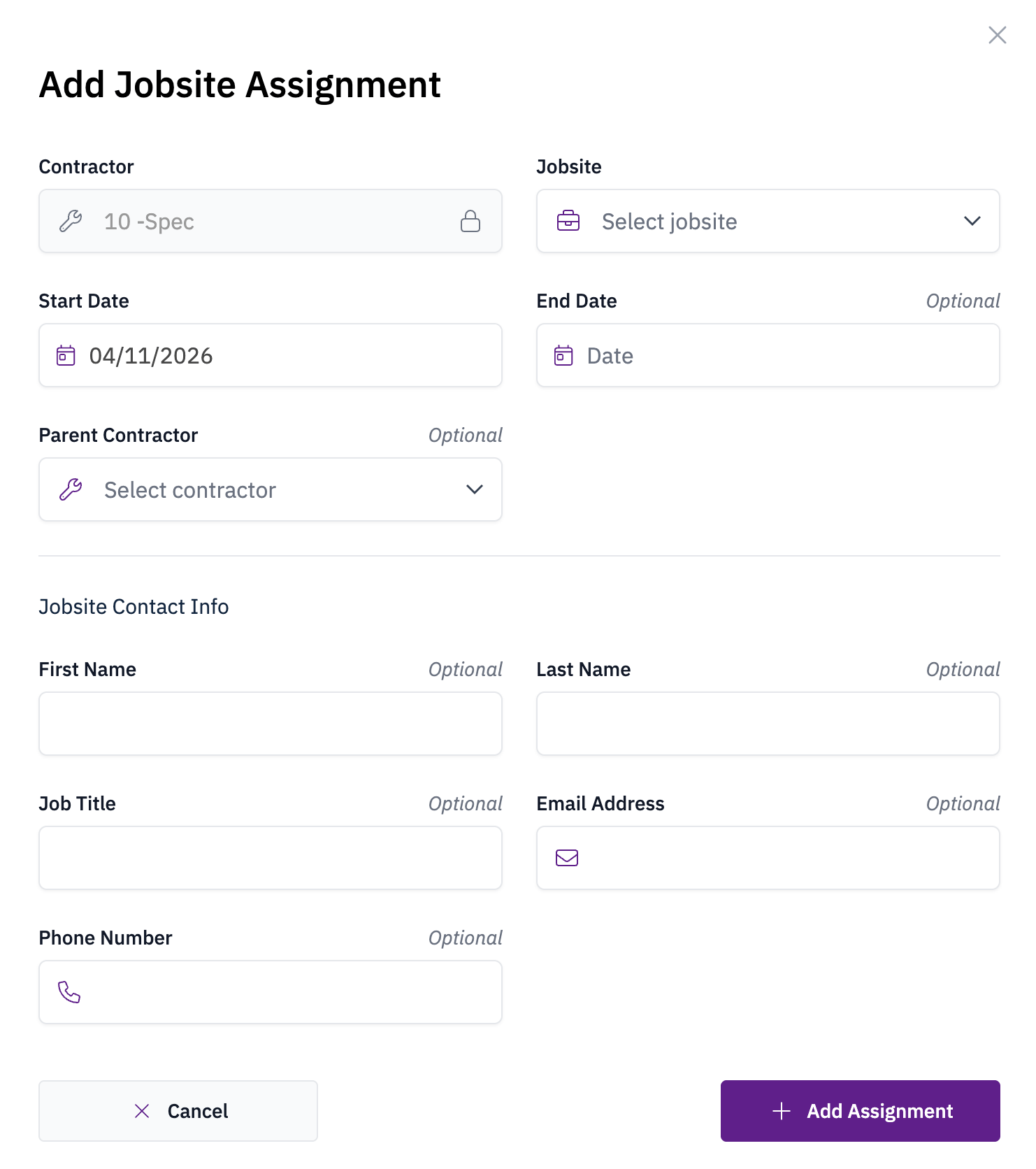
Open the contractor’s profile, click Add+, and choose Jobsite Assignment. Enter the assignment details and click Add Assignment to save.