

See key details for each site
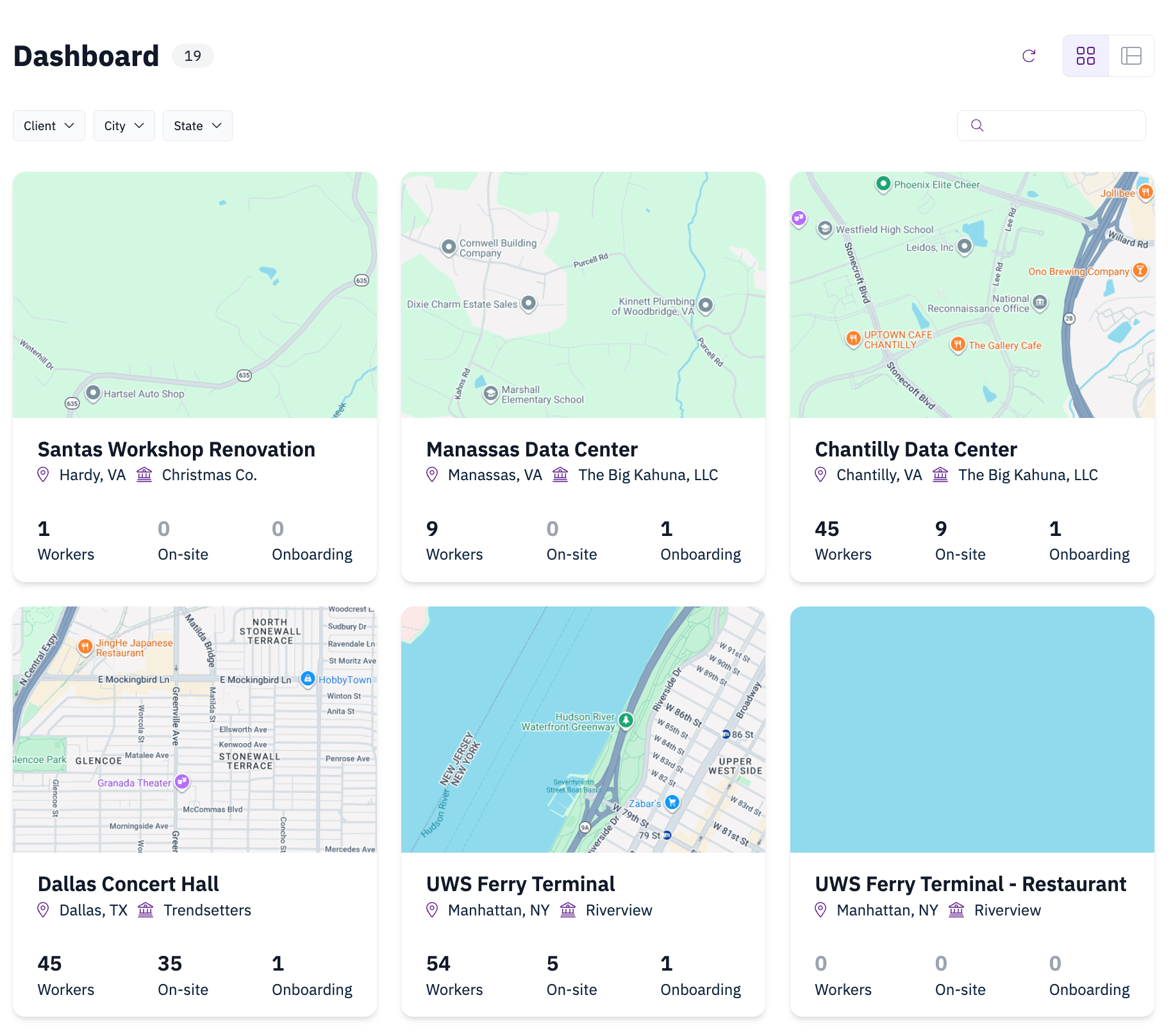
Each jobsite shows its site photo, city and state, and three workforce metrics that update throughout the day:- Workers with access — the total number of workers cleared to be on the site.
- On site now — workers currently checked in.
- Onboarding — workers in the process of onboarding onto the site.
Find a specific jobsite
When you manage many sites, use the controls at the top of the dashboard to narrow the list:- Search by jobsite name.
- Filter to show only the sites that match what you’re looking for.
- Sort to reorder the sites.