

Self-onboarding
The worker scans a jobsite QR code and completes onboarding on their own device. A supervisor then reviews and completes the onboarding.
Manual onboarding
A supervisor creates the worker’s profile and provides all required information on their behalf, then assigns the worker to the jobsite.
Statuses
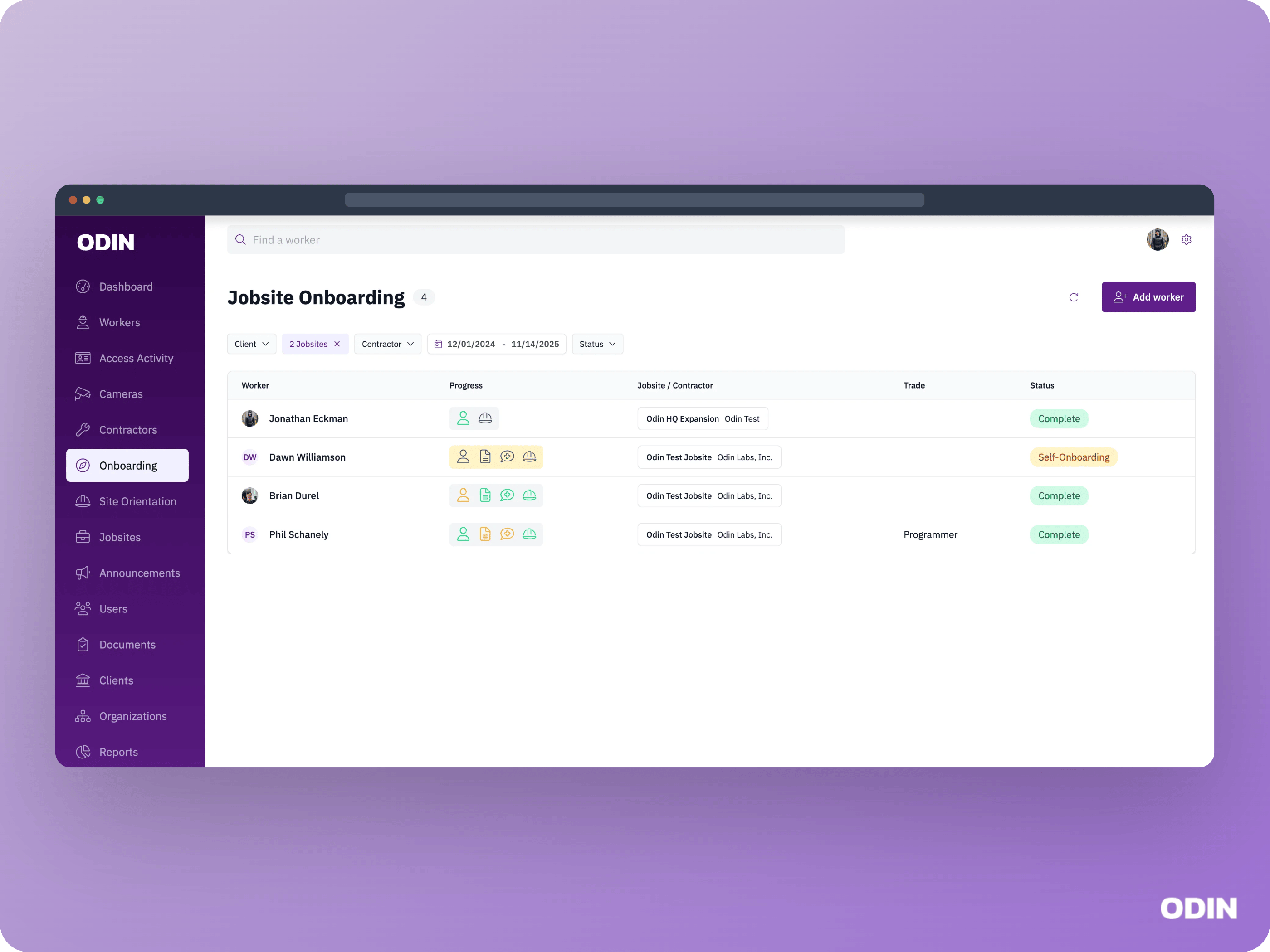
- Self-onboarding - Workers who are actively in the self-onboarding workflow, providing their information through the self-service process. Once they complete all self-onboarding steps, they move to Not Started status.
- Not started - Workers who have completed self-onboarding but haven’t begun the onboarding review process yet. They’re ready for a supervisor to review their submitted information.
- Needs Medical - Workers who are in the middle of the onboarding review process and still need to complete or pass their medical examination.
- At Badging - Workers in the onboarding review process who have finished everything (profile, documents, and medical) but are waiting on their badge.
- Complete - Workers whose onboarding is complete.