

1
Start a new inspection log
Navigate to Logs, select +Add, then select Inspection Log. Choose the Date, Jobsite, and Inspector, then click Continue.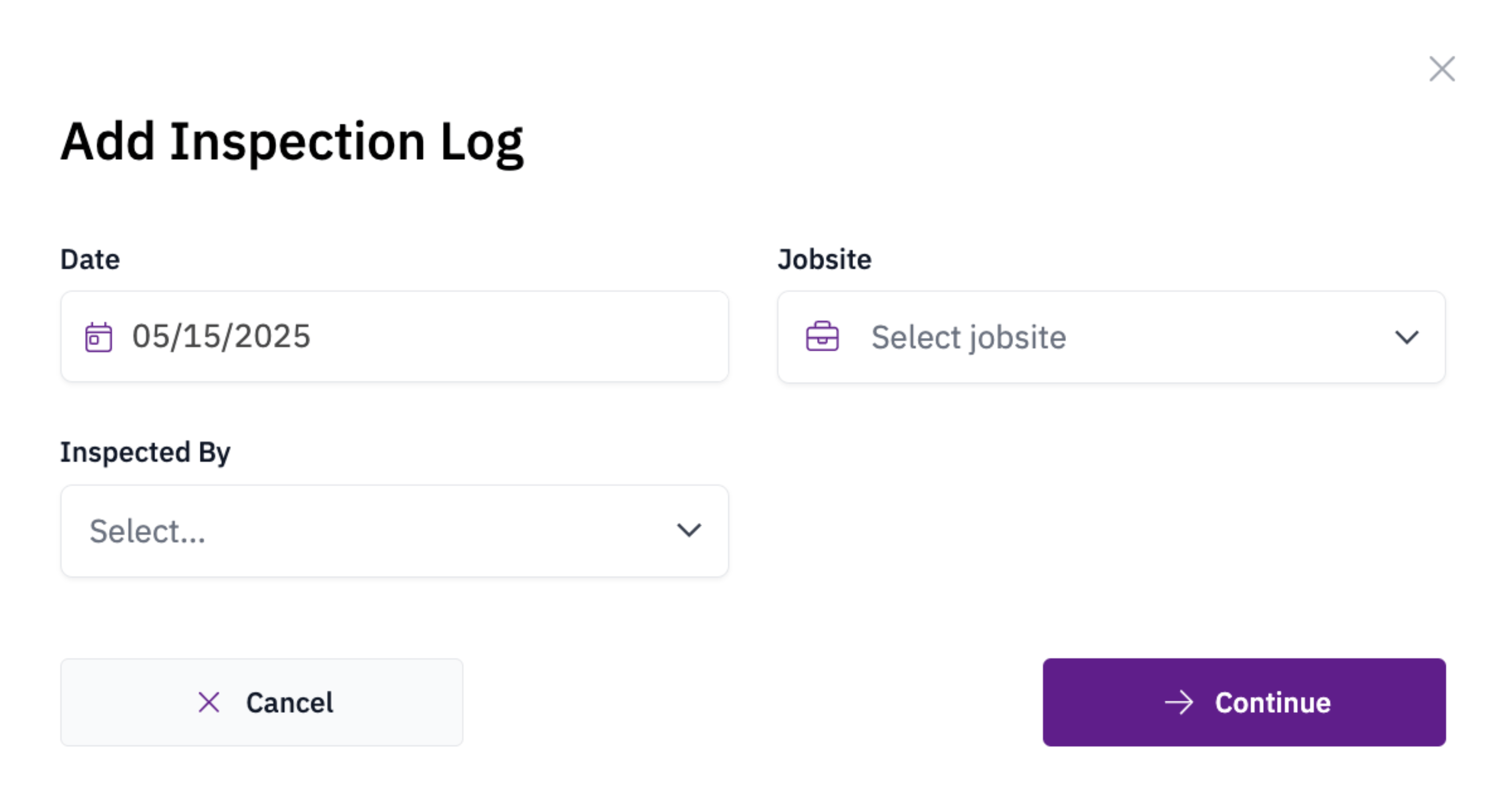
2
Complete the log
Populate the Summary and Attachment fields with inspection findings and any supporting photos or documents.
3
Save
Select Save Changes to submit the log.