You can revoke a worker’s jobsite access by suspending or banning them. A suspension temporarily blocks access until a specified date, while a ban permanently prohibits entry. To revoke access, go to Worker Profile > Jobsites, click the ”…” menu next to the jobsite, and select Revoke Access.

Suspend a worker

Suspending a worker blocks them from entering the jobsite until the suspension end date, when their access automatically resumes. Select Suspend Worker and provide a suspension end date.
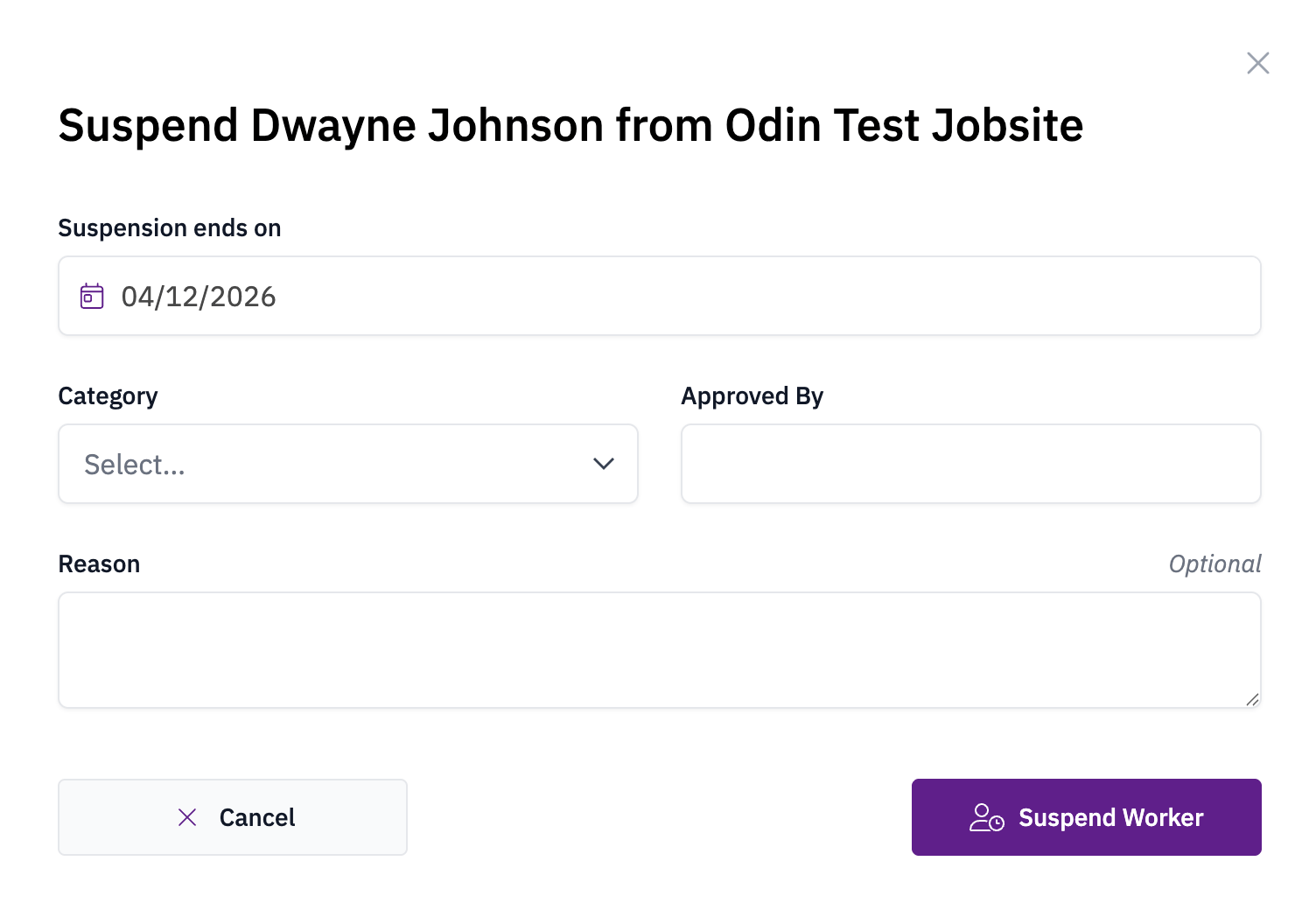
Setting the suspension end date

Ban a worker

Banning a worker permanently blocks them from entering the jobsite. When a banned worker attempts entry, Odin denies access and sends email alerts to designated users. Select Ban, then provide authorization from a user with the appropriate permissions and document the reason for the ban.