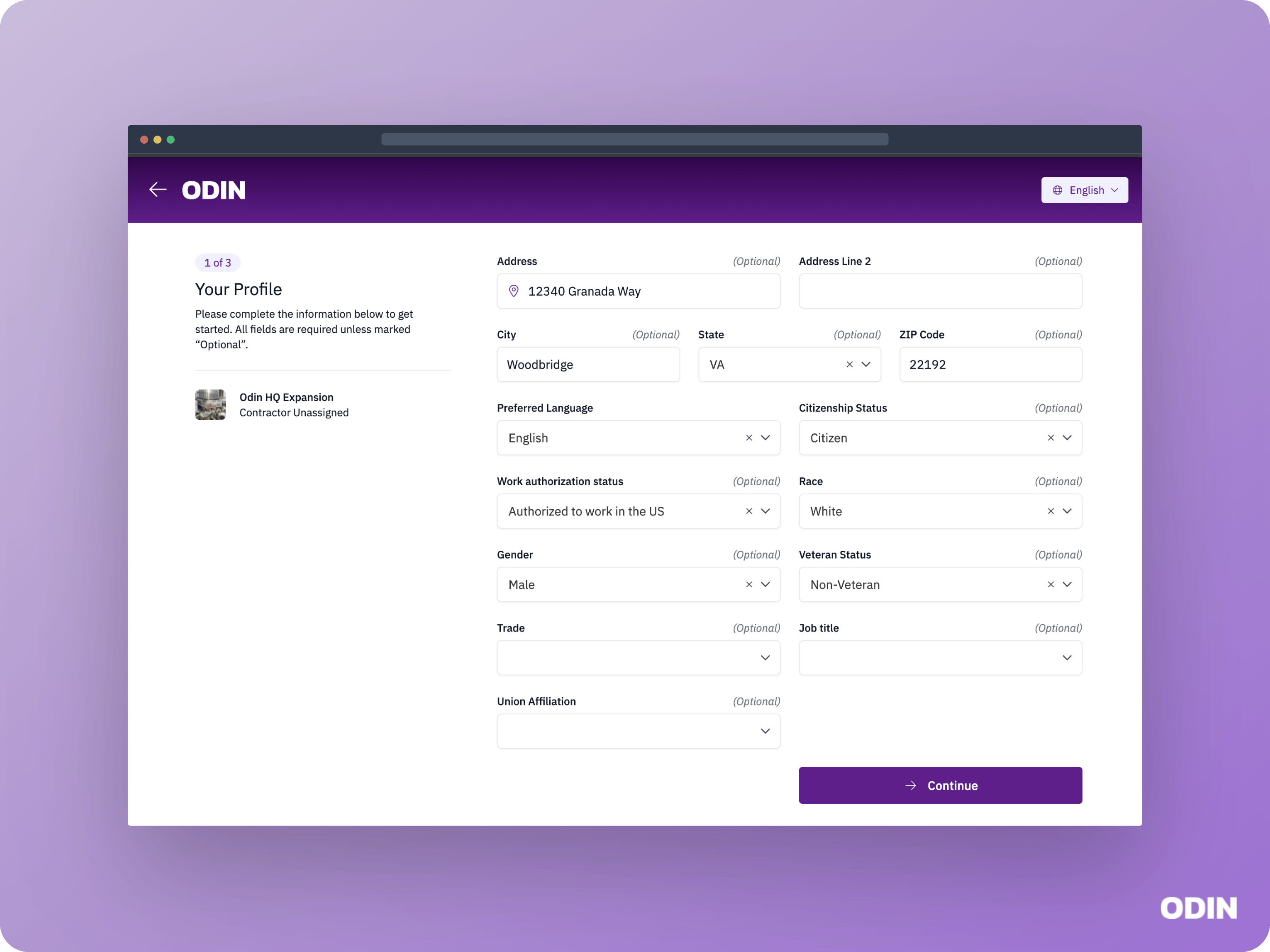
- Worker information — Which personal and site-specific fields to collect, and whether each field is visible, required, or optional
- Document collection — Which documents to collect, such as OSHA cards, government IDs, and site-specific orientation acknowledgements
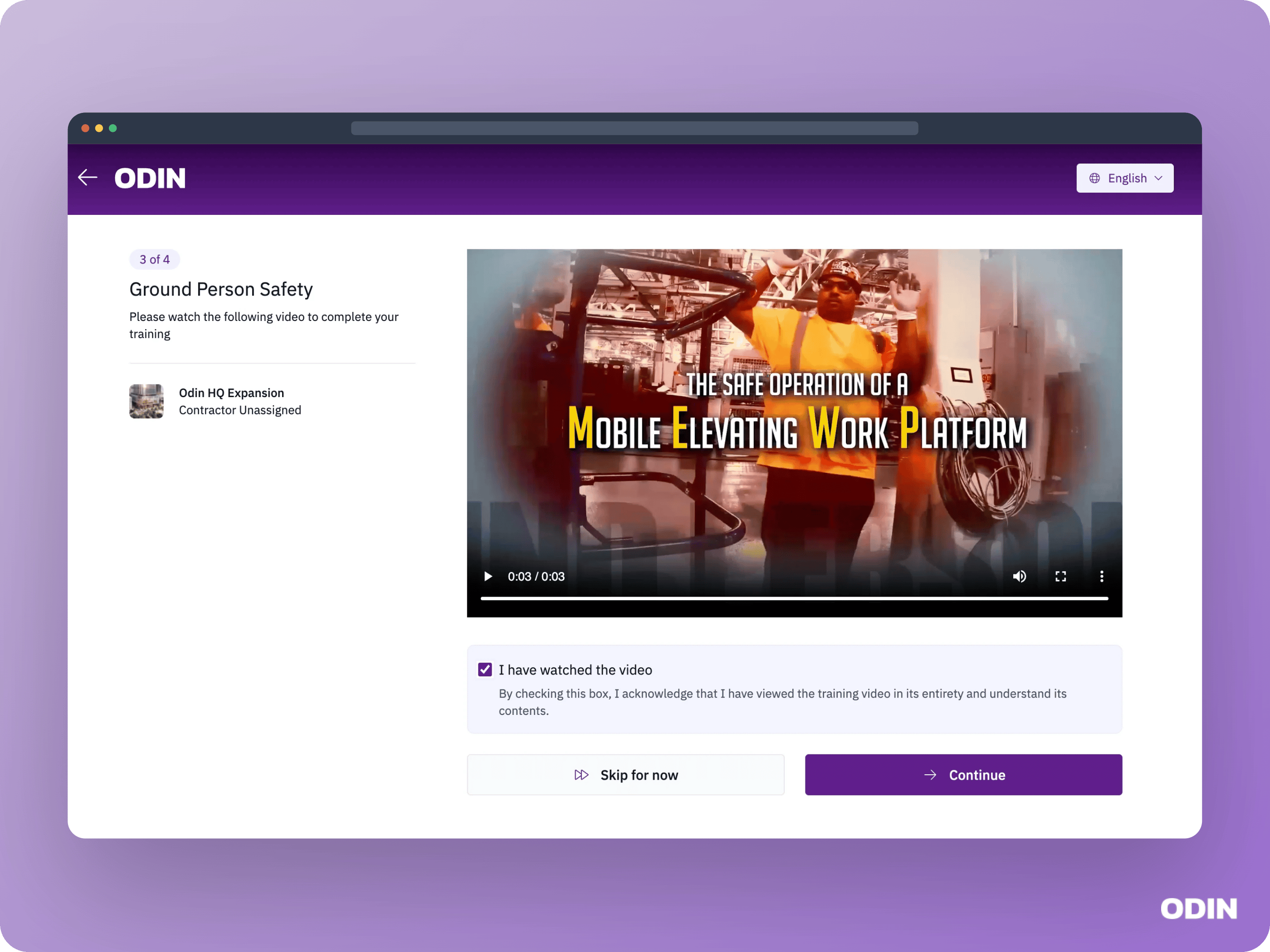
- Onboarding videos — One or more videos the worker must watch and acknowledge, with language-specific versions available
- Drug testing and medical — Drug test and medical examination requirements
- Badging and credentialing — Badge assignment and credential verification during onboarding
- Site access rules — Whether to grant or deny site access based on whether the worker has provided specific information or completed required steps
- Workflow structure — Whether onboarding review is required or can auto-complete, and whether contractor selection is enforced during self-onboarding
Onboarding step examples
Depending on your configuration, workers may see steps like these during self-onboarding.Personal information
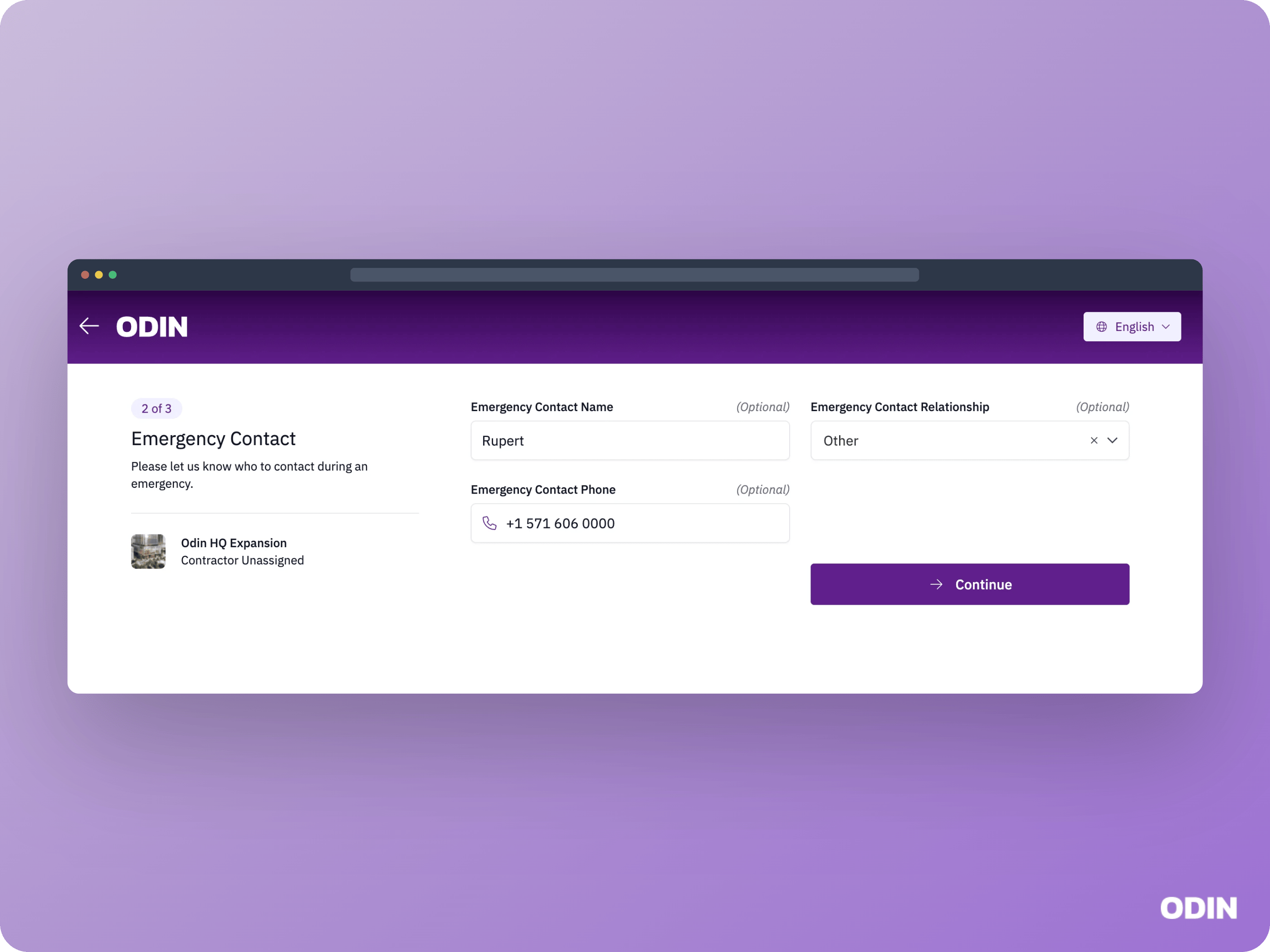
Emergency contact
Onboarding videos
Profile picture