

1. Search for the worker
Before creating a new profile, search for the worker using the search box in the top navigation bar or by navigating to Workers and searching from there. If they already exist in the system, skip to step 3.2. Create the worker’s profile
If the worker is not found, select Add a Worker from the Workers page and provide the following: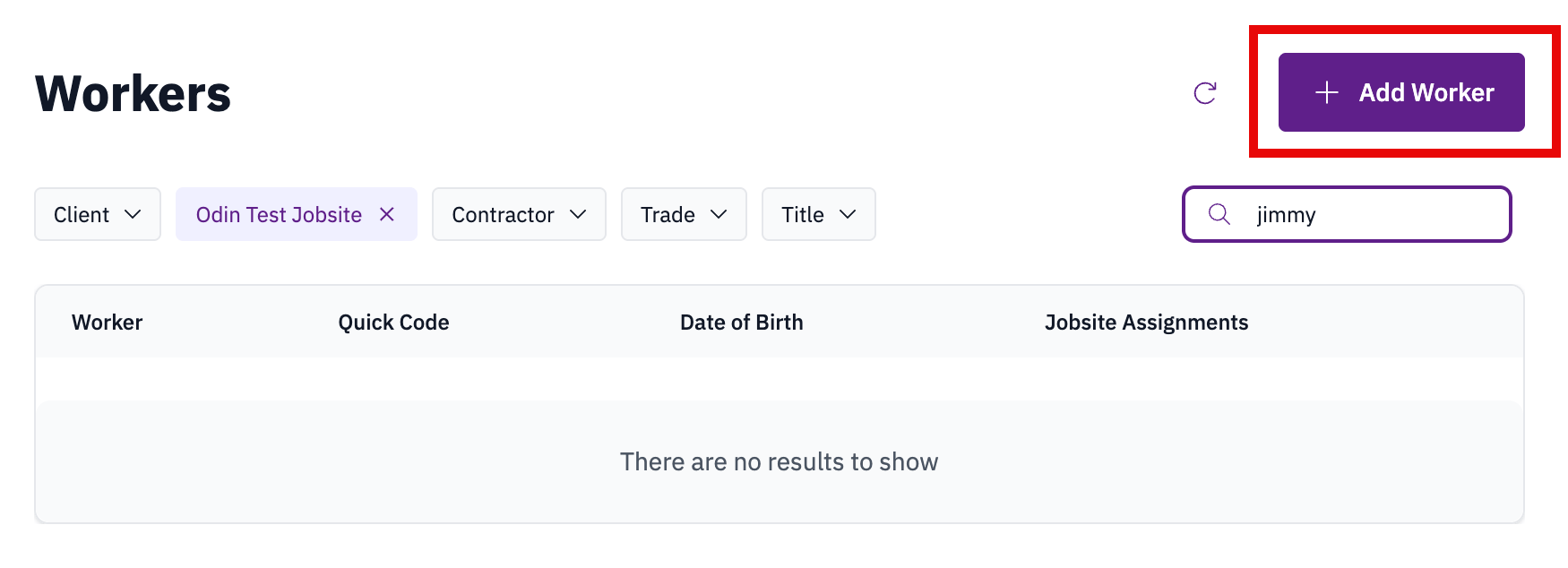
- Select the appropriate jobsite and contractor.
- Enter basic information: first and last name, date of birth, and mobile phone number.
- Complete any additional required fields, including language preference and site-specific information.
- Select Save and confirm that the worker is Allowed on site.