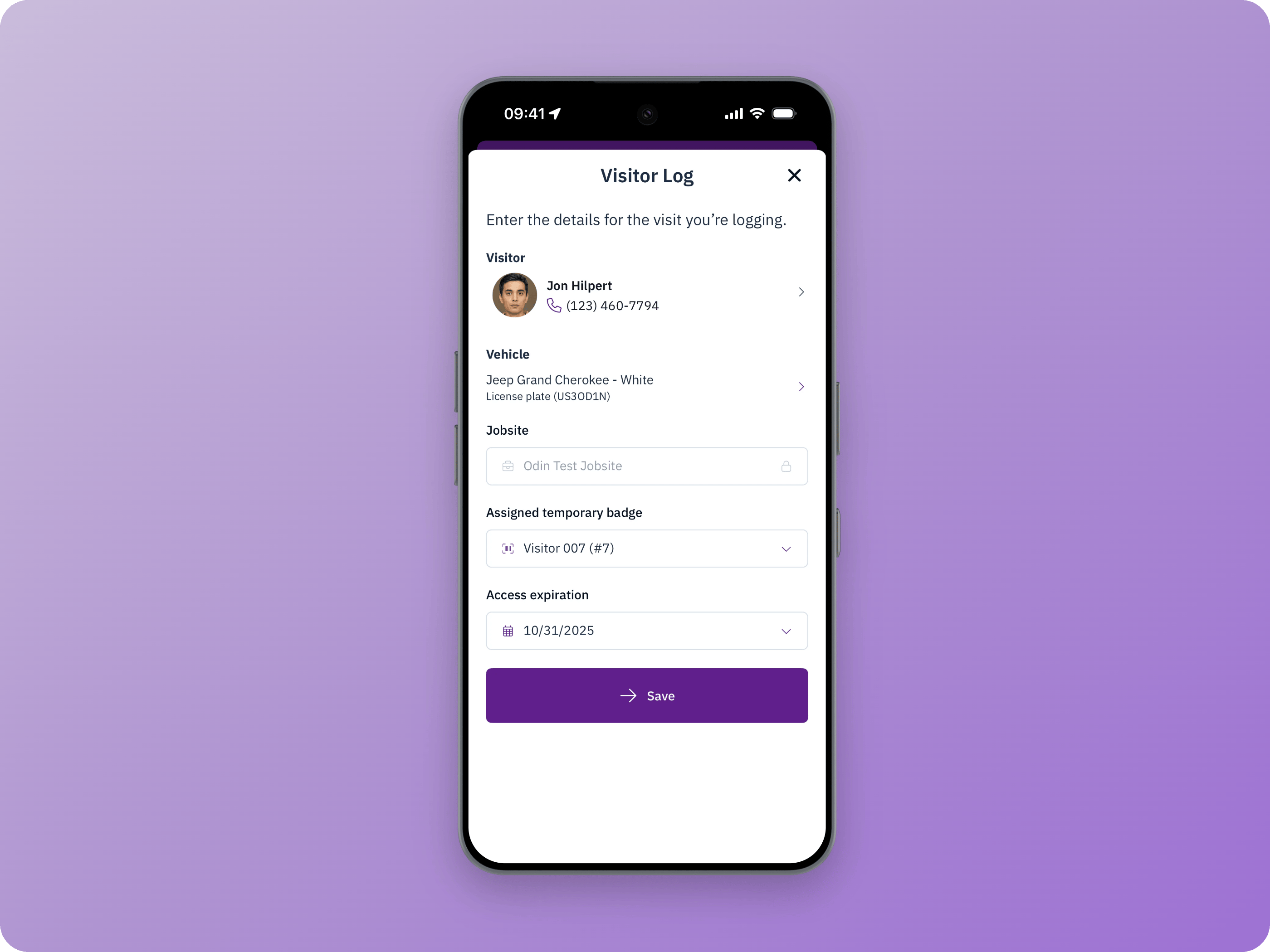
Logging a visitor requires one of the following roles: Client Admin, Jobsite Admin, Admin, or Security Supervisor.
1
Start a new visitor log
From the Odin mobile app, open Toolbox or Docs and select Visitor Log.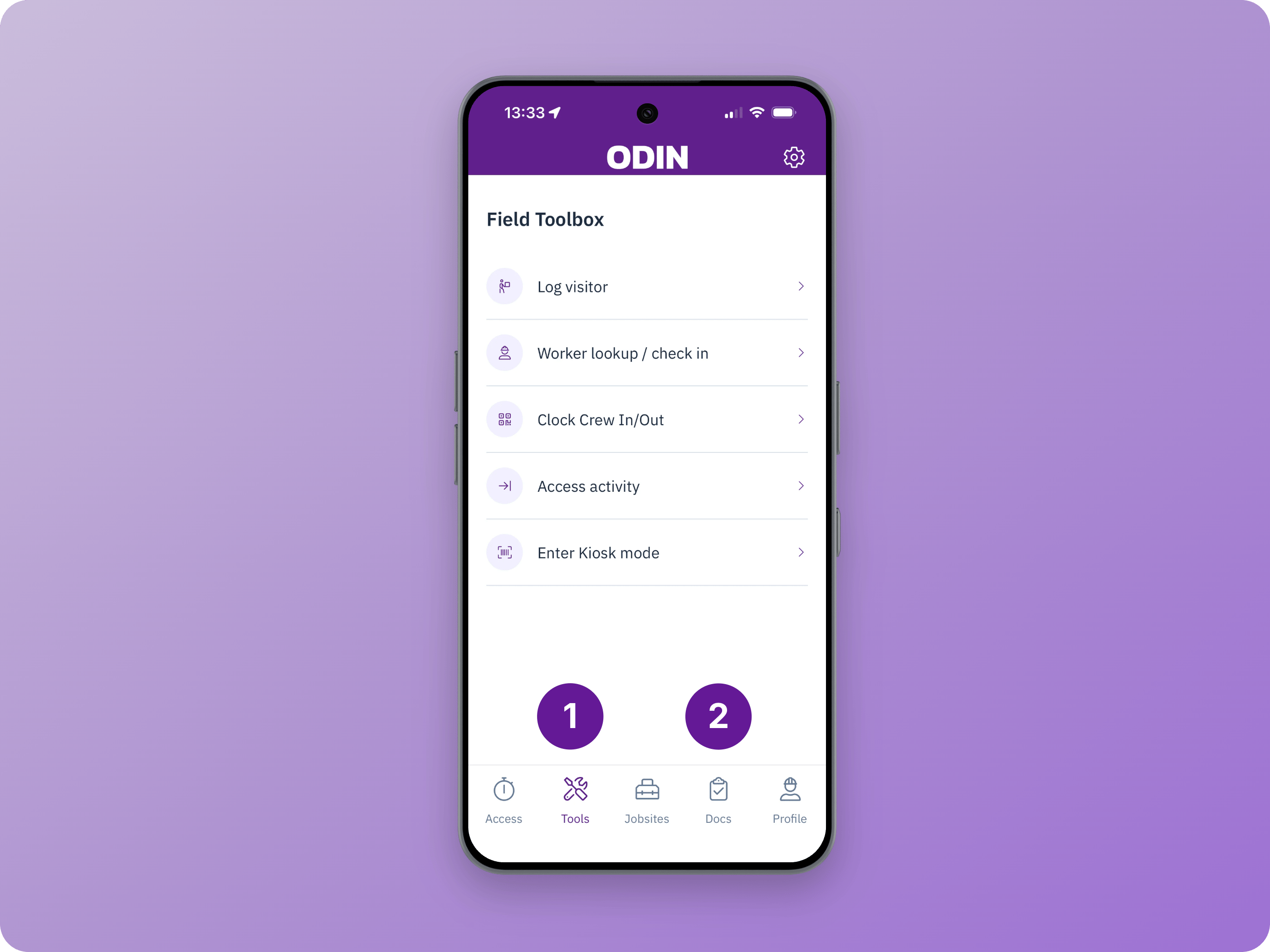
2
Select a visitor
Search for the visitor by name, phone number, trade, job title, or quick code. If the visitor is not already in Odin, select Create New and enter their first name, last name, and phone number. Odin shows possible matches when a new visitor’s information is similar to an existing profile to prevent duplicates.
3
Capture vehicle info
Optionally record vehicle information, including a license plate photo.
4
Assign a temporary badge
If the visitor needs door, gate, or turnstile access, assign a temporary badge. Only badges in Registered status are available. Learn more about managing temporary badges.