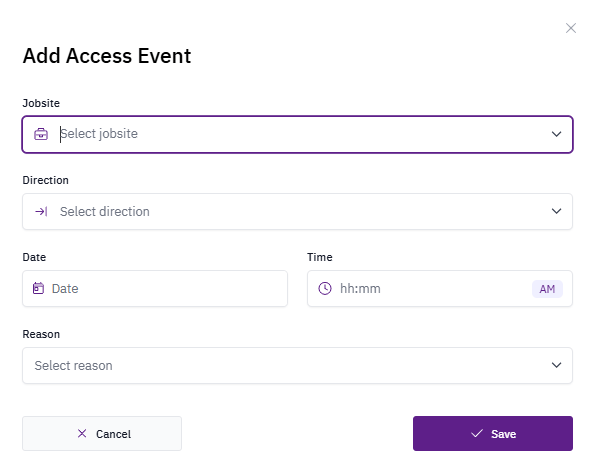
Access events cannot be modified after creation. To correct an erroneous entry, archive it and create a new one.
Create an access event
1
Select the worker
Search for the worker or choose them from the worker list.
2
Select Access Activity
Navigate to the Access Activity section of the worker’s profile.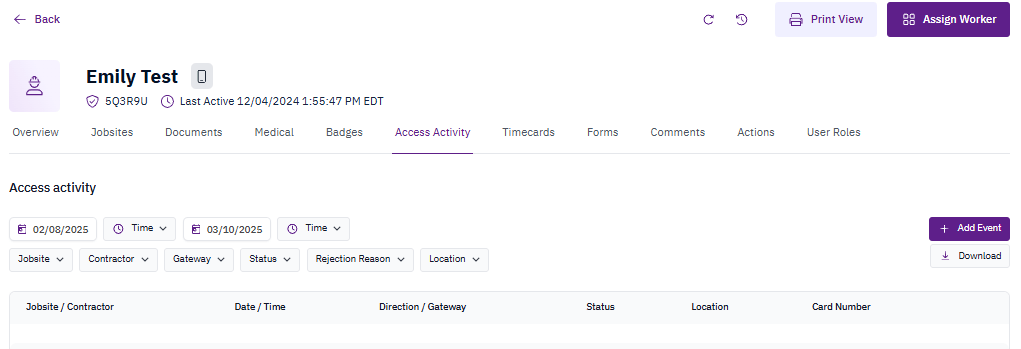
3
Select +Add Event
Click the +Add Event button to begin creating a new access event.
4
Populate fields and save
Fill in the required fields and select Save to record the clock-in or clock-out event.