

1
Start a new work unit tracker
Navigate to Logs, select +Add, then select Work Unit Tracker. Choose the Date, Jobsite, and Contractor, then click Continue.
2
Log work units
Populate the Work Units, Cost Code, Type, and Level fields. Add any relevant notes.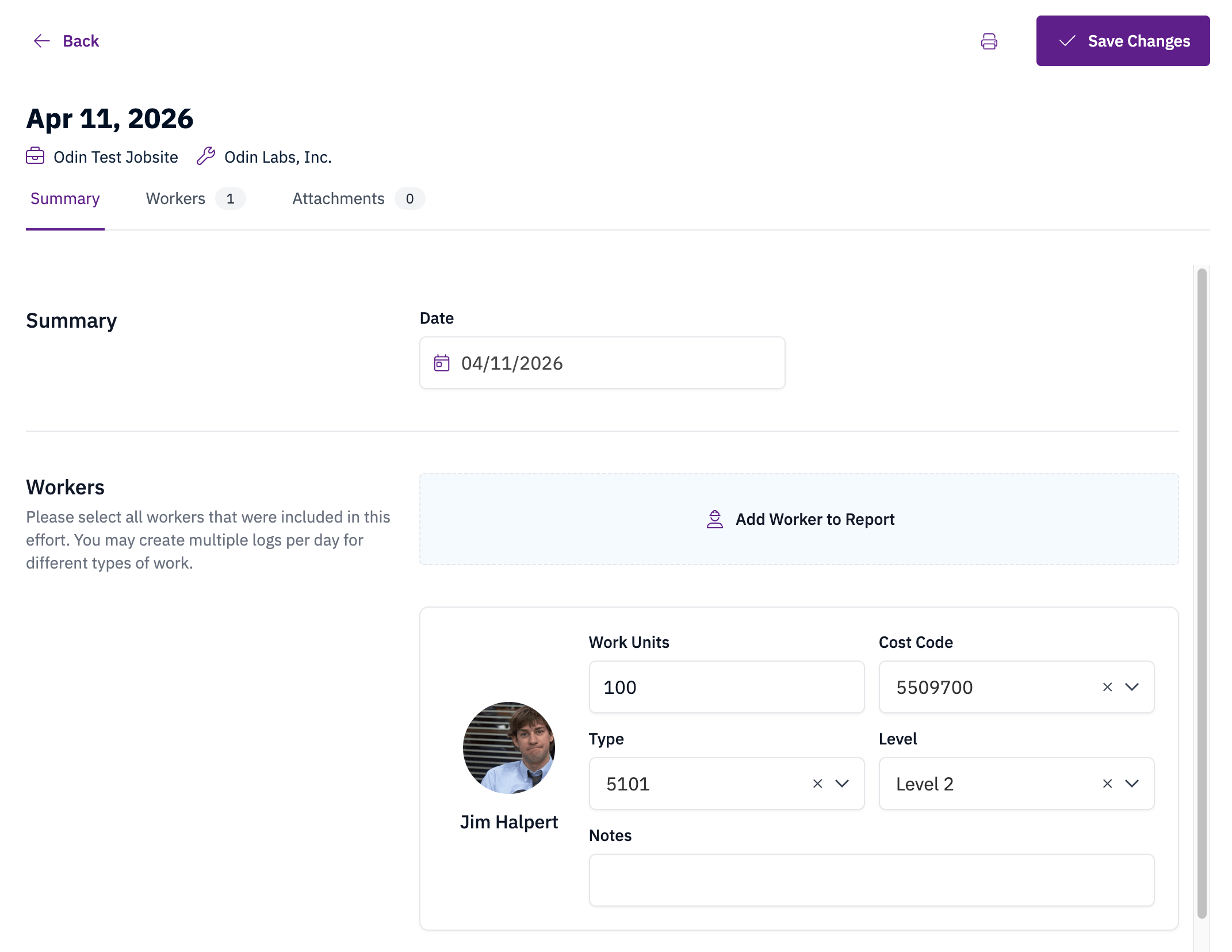
3
Save
Select Save Changes to submit the tracker.