A daily log is a record of what happened on your jobsite during the day. Superintendents and foremen use daily logs to document the contractors and workers on site, the work performed, weather conditions, and any events that affected progress. These logs create a verified day-by-day record that supports coordination, billing, and claims.
1

Start a new daily log

Navigate to Logs, select +Add, then select Daily Log. Choose the Jobsite and Contractor, then click Continue.
Select Jobsite and Contractor
2

Complete the log

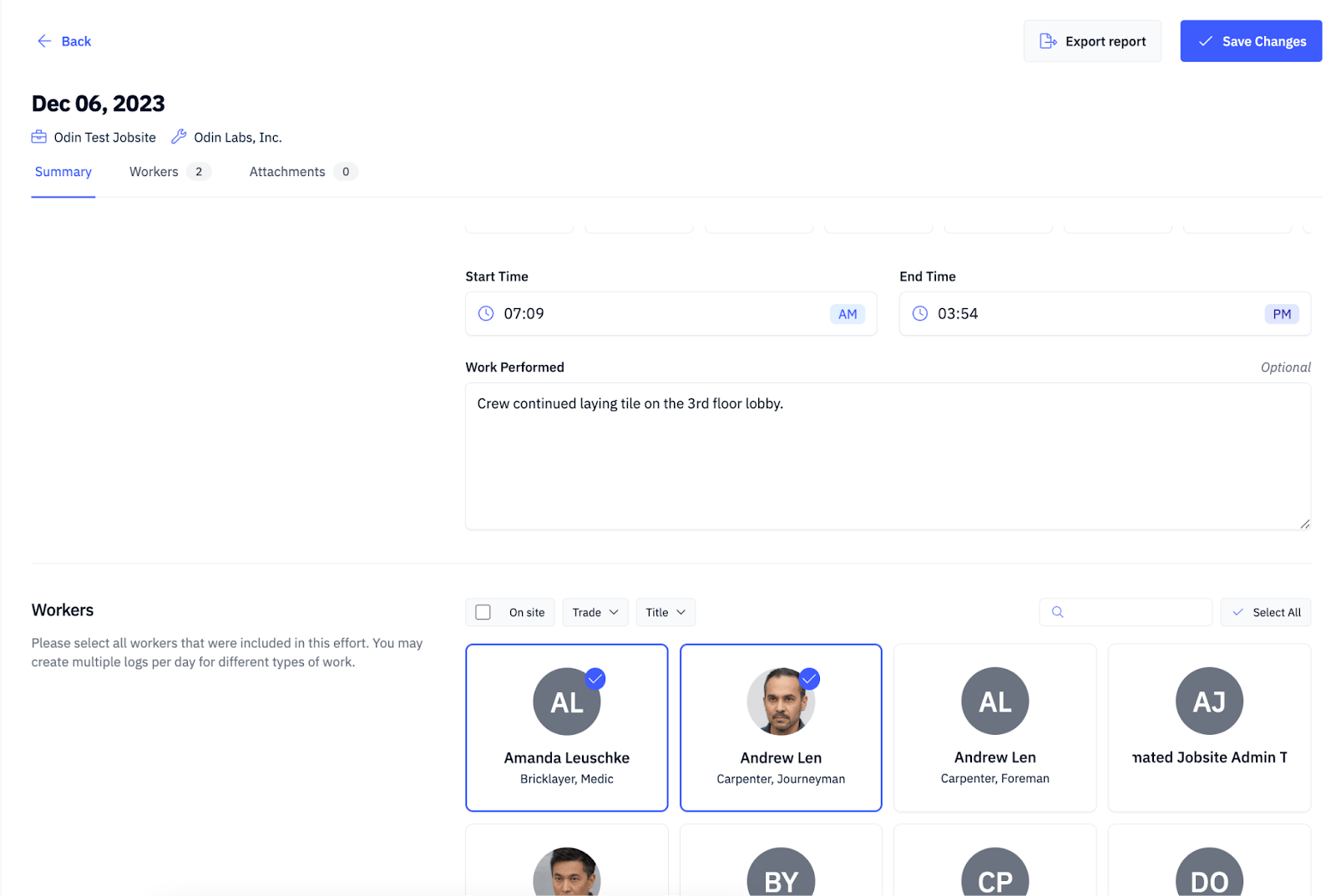
Populate the Summary, Workers, and Attachments fields. Odin automatically retrieves weather conditions based on the jobsite location.
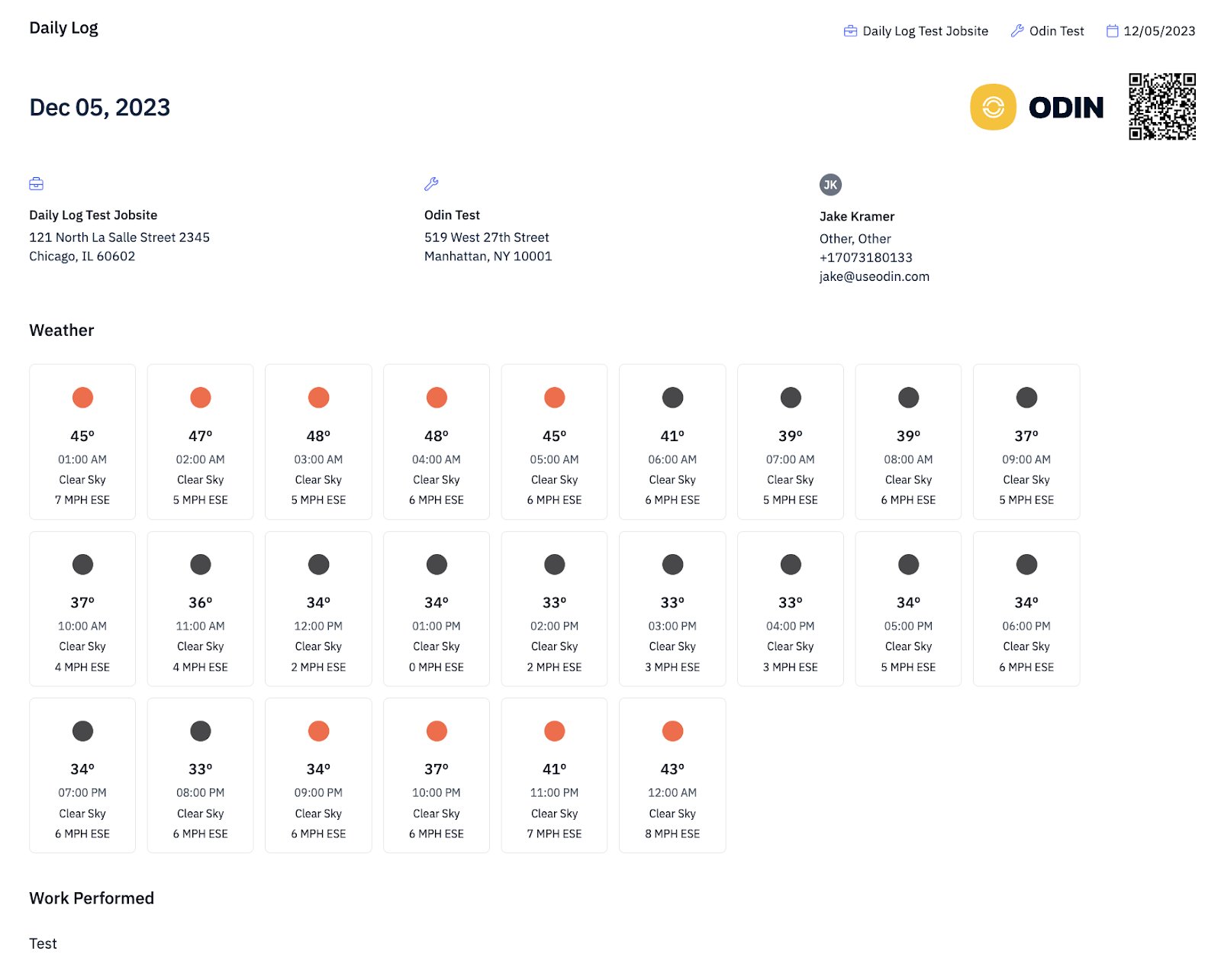
Populate fields and save the daily log
3

Save

Select Save Changes to submit the log.