

1
Add a badge
Click + Add New Badge from the worker’s Profile > Badges tab, then select Assign a QR code sticker.
2
Enter the QR code number
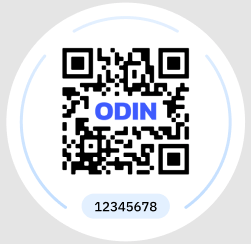
Type in the QR code number and select Assign QR Code. This number must match the physical sticker, because the number is encoded into the QR payload.
3
Distribute the sticker
Provide the sticker to the worker. The worker should place the sticker on their hardhat or badge, then scan it at a kiosk or using the Odin mobile app.