> ## Documentation Index
> Fetch the complete documentation index at: https://help.useodin.com/llms.txt
> Use this file to discover all available pages before exploring further.
# Set up a new jobsite
> Create a new jobsite in Odin so you can onboard workers and manage site access
A jobsite is the central unit of Odin. It represents a physical project location where workers are onboarded, badges are issued, and access is tracked. Every worker, contractor, and credential in Odin is tied to a jobsite.
## Jobsite templates
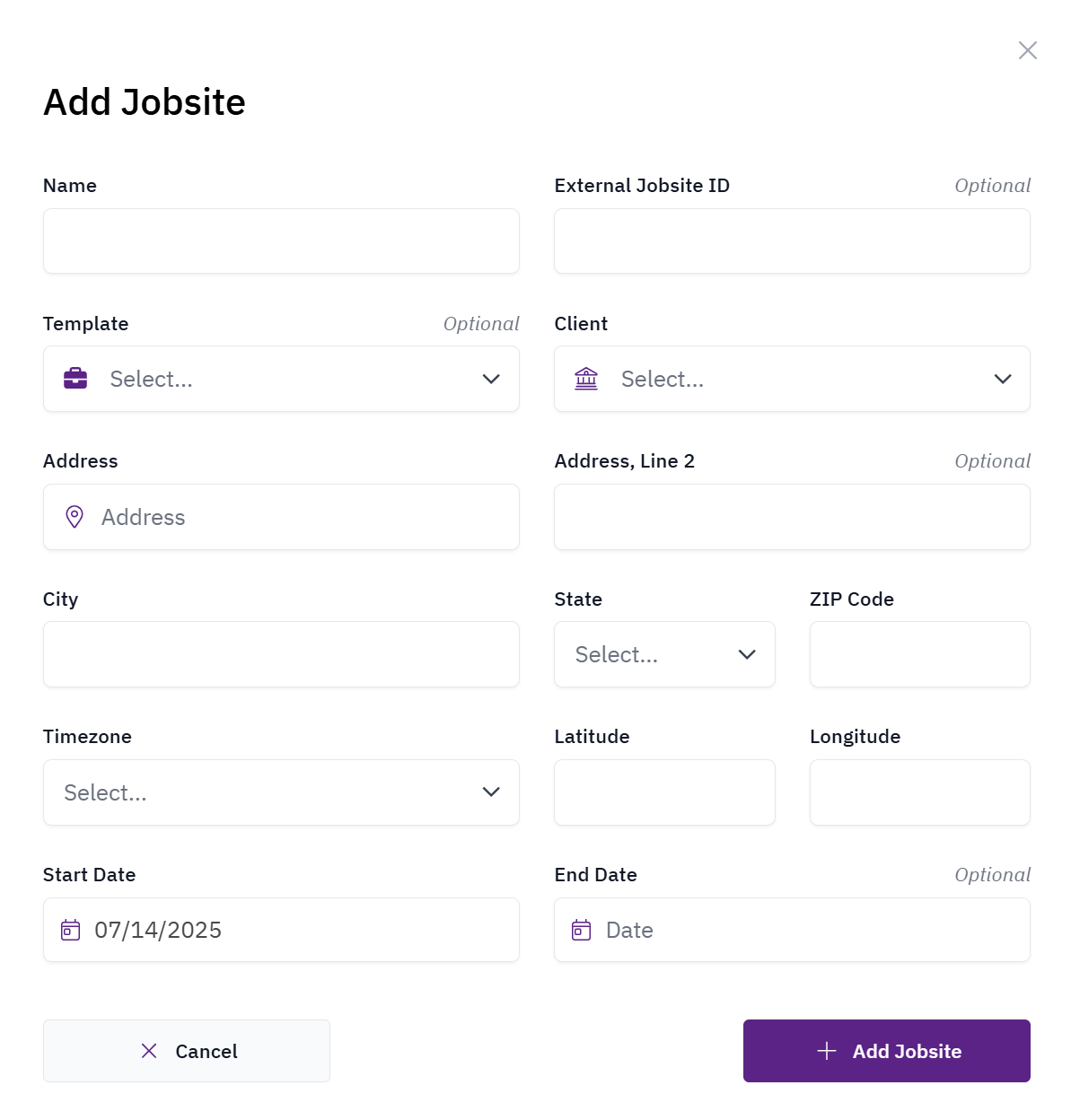
When creating a new jobsite, you select a template that pre-configures the site with settings for onboarding, access rules, badge types, document collection, and more. Templates ensure consistency across your jobsites and eliminate the need to manually configure each setting from scratch.
Your organization's templates are managed by your Odin CSM. If you need a new template or changes to an existing one, contact [Odin support](/support/customer-support).
## Create a new jobsite
Creating a new jobsite requires the Client Admin role.
Navigate to **Jobsites**, then select **+Add Jobsite**. Select a **Template**, then complete the required fields including the jobsite name, address, and start date.