> ## Documentation Index
> Fetch the complete documentation index at: https://help.useodin.com/llms.txt
> Use this file to discover all available pages before exploring further.
# Assign a contractor to a jobsite
> Add a contractor to your jobsite so their workers can be onboarded and assigned
Contractors represent the companies whose workers perform work on your jobsites. A contractor must be assigned to a jobsite before their workers can be onboarded or assigned to it.
Assigning a contractor to a jobsite requires the Jobsite Admin role.
## Find or create the contractor
Navigate to **Contractors** and search by name to find the contractor. If the contractor does not exist, select **Add Contractor**, complete the required fields, and click **Submit**.
## Assign the contractor to a jobsite
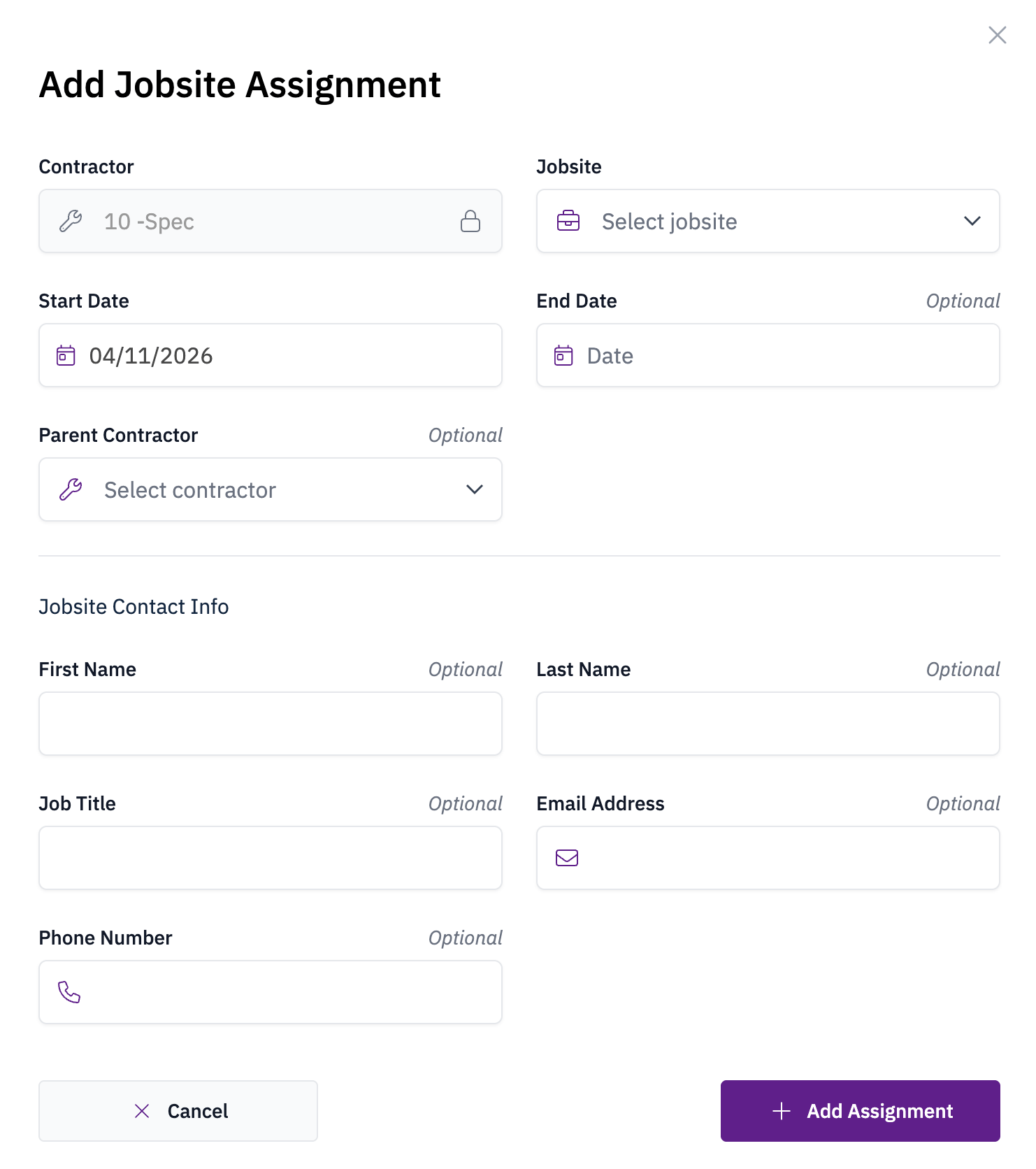
Open the contractor's profile, click **Add+**, and choose **Jobsite Assignment**. Enter the assignment details and click **Add Assignment** to save.