> ## Documentation Index
> Fetch the complete documentation index at: https://help.useodin.com/llms.txt
> Use this file to discover all available pages before exploring further.
# Log a visitor
> Record visitor arrivals, capture vehicle information, and assign temporary badges from the Odin mobile app
Visitor logs let onsite teams record who arrived, what they drove, and issue a temporary badge in minutes. Visitor logs can only be created and edited in the Odin mobile app.
Logging a visitor requires one of the following roles: Client Admin, Jobsite Admin, Admin, or Security Supervisor.
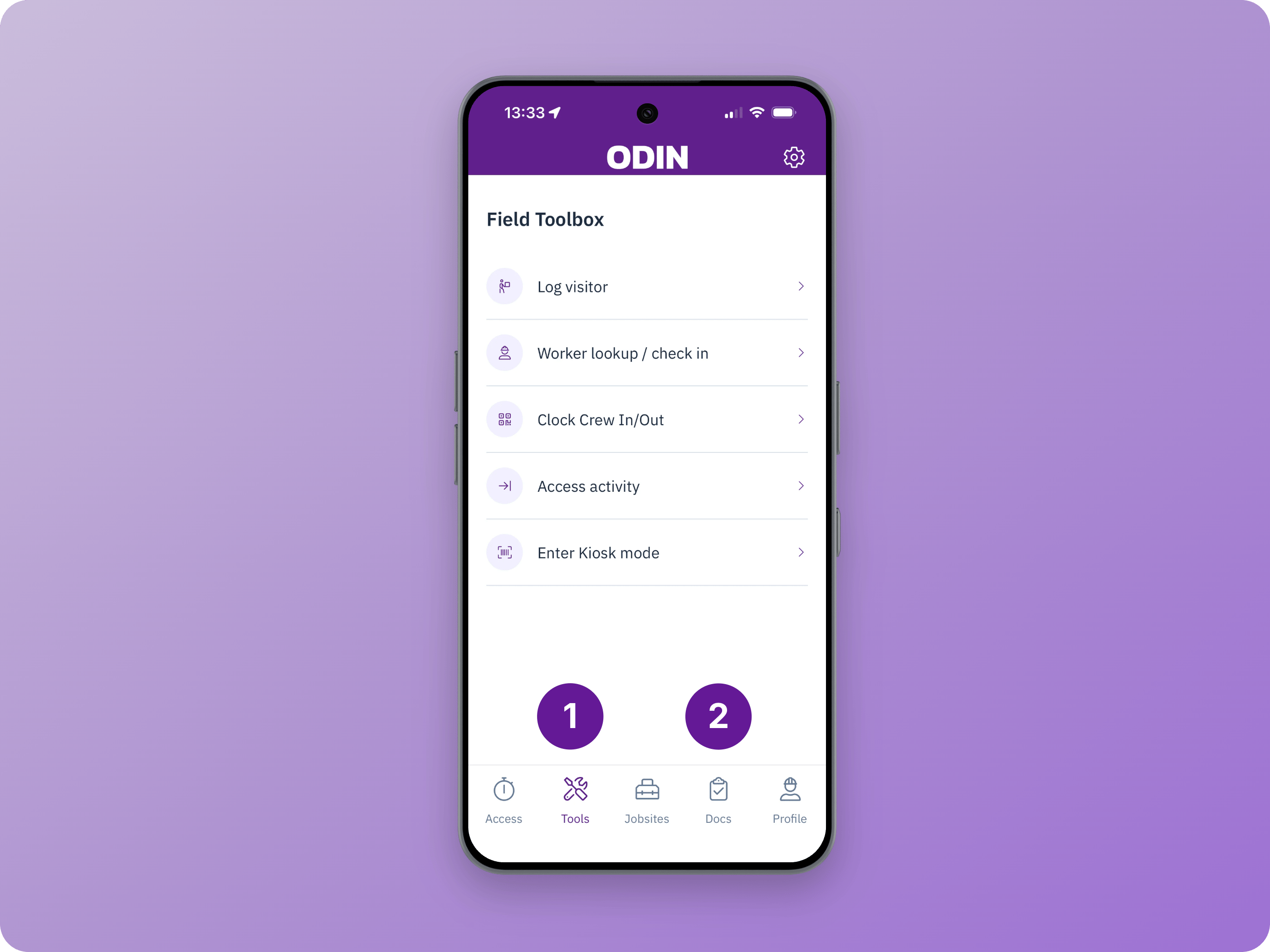
From the Odin mobile app, open **Toolbox** or **Docs** and select **Visitor Log**.
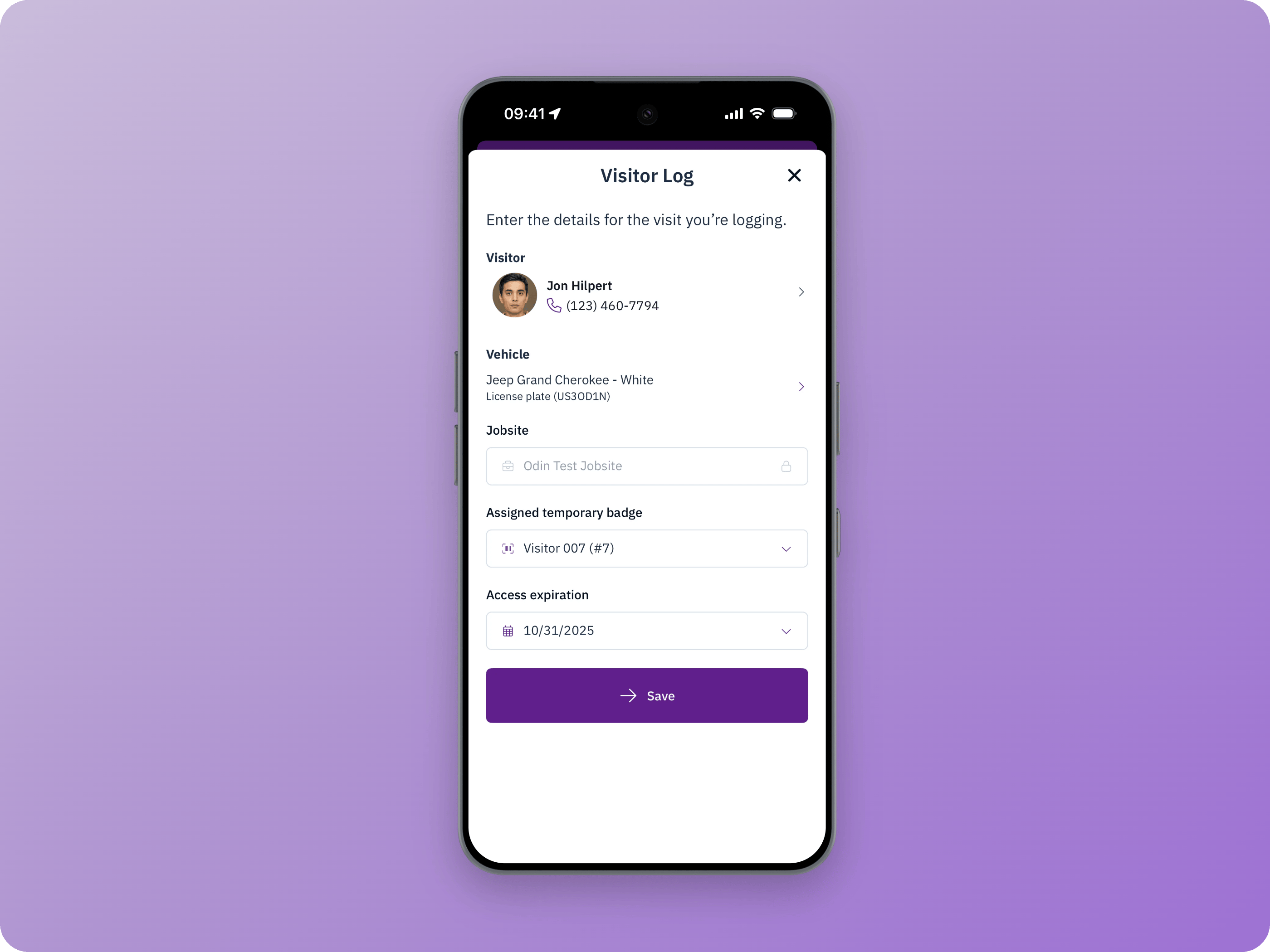
 Search for the visitor by name, phone number, trade, job title, or quick code. If the visitor is not already in Odin, select **Create New** and enter their first name, last name, and phone number. Odin shows possible matches when a new visitor's information is similar to an existing profile to prevent duplicates.
Optionally record vehicle information, including a license plate photo.
If the visitor needs door, gate, or turnstile access, assign a temporary badge. Only badges in Registered status are available. Learn more about [managing temporary badges](/manage-jobsites/managing-temporary-badges).
Search for the visitor by name, phone number, trade, job title, or quick code. If the visitor is not already in Odin, select **Create New** and enter their first name, last name, and phone number. Odin shows possible matches when a new visitor's information is similar to an existing profile to prevent duplicates.
Optionally record vehicle information, including a license plate photo.
If the visitor needs door, gate, or turnstile access, assign a temporary badge. Only badges in Registered status are available. Learn more about [managing temporary badges](/manage-jobsites/managing-temporary-badges).